Discover how Sam Lazar Tech services can assist you.
Ready to use, right away: I will come to you to set up your new device from scratch. You will not have to worry about “account configurations”—I will manage the technical bits, so your technology is ready to use the moment I leave.
- Stay connected with family and friends: Whether you want to video call your grandkids on WhatsApp, join a meeting on Zoom, or just send a photo, I’ll make sure your apps are installed and working perfectly.
I believe in open tech, so you are never trapped by one brand: That is the goal I will guide you toward, but if you prefer a specific ecosystem, I am here to support that too—your workflow wins every time.
Security without the stress: Keeping your device updated can be scary: I will show you how to securely update your software, so your personal information stays safe from scammers without slowing your phone.
Never run out of space: I’ll help you organise your digital life, ensuring your precious photos and files are backed up safely so you never get that "Storage Full" message again.
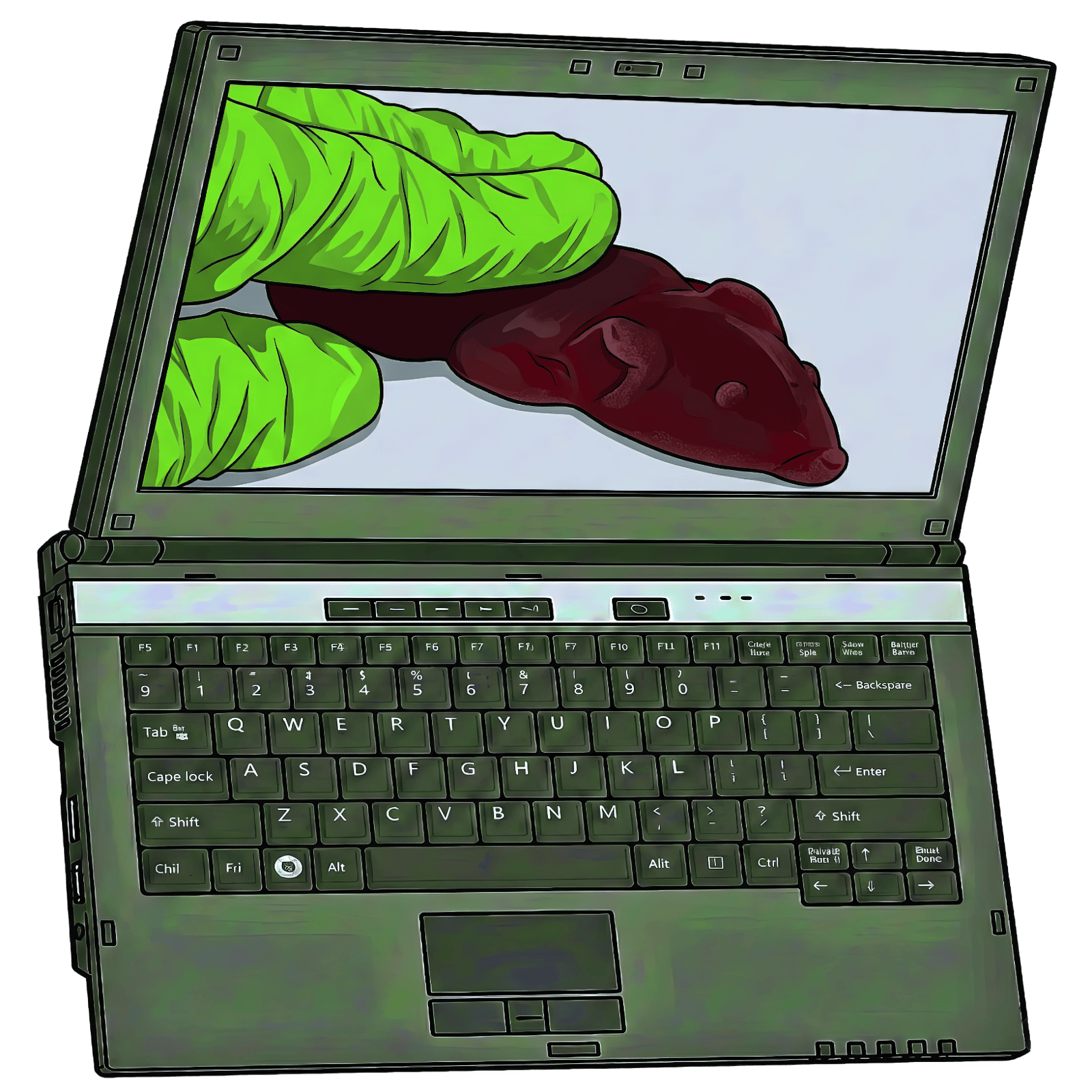
- Ready to use, straight away: Setting up a new computer is a headache of passwords and "personalisation". I’ll handle the entire setup, so your desktop looks exactly how you want it the moment I leave.
- Support for Windows, Mac, other: Whether you have a standard PC, a Mac, or somethingelse, I can help. I specialise in making these systems easy to understand and navigating the confusing bits for you.
- Safe and Simple Updates: Confusing pop-ups about "System or app Updates" can be scary. I’ll show you how to keep your computer secure and running fast without the stress of accidentally clicking the wrong thing.
- Email that just works: I'll sync your email across all your devices so folders, deleted messages, and spam filters all behave the same, whether you're on a PC, phone, or anything else.
- Guidance: Using features, customising settings, and navigating the system, so you know how to use your device.
- Never run out of space: I’ll help you organise your digital life, ensuring your precious photos and files are backed up safely so you never get that "Storage Full" message again.
- A straight answer in person: I’ll give you a clear, honest recommendation on whether a repair, an upgrade, or a brand-new device is the best path forward for your needs.

- Never miss a match or movie: Whether you want to watch every sporting game, binge-worthy show, or catch the latest Hollywood blockbusters, I’ll make sure your services are set up and ready to play.
- Navigating the App Jungle: I’ll help you find your way through confusing menus so you can spend less time clicking and more time watching.
- The Right Service, No Traps: I’ll give you independent advice on which subscriptions you actually need for your favourite shows, helping you avoid expensive "brand traps" or paying for things you don't watch.
- Hear every word clearly: Modern TVs are incredibly thin, which means their speakers are often small, muffled or nonexistent. I will set up a soundbar so you can hear dialogue better than before.
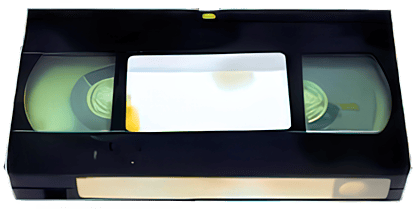
- Bring Your Memories Back to Life: Whether you have 50-year-old family tapes, DVDs, Blu-rays, or even "strange" forgotten formats, I’ll convert them into high-quality digital files so you can finally watch or listen to them on your modern TV, phone, or computer.
- Rescue "Trapped" Files: If you have an old computer or hard drive that won’t turn on, I can rescue your precious photos, videos and documents and move them safely to your new device.
- Digitise Your Collections: I can move your physical media—like movies or TV shows, or something else—onto a modern, portable player so you can enjoy your collection anywhere.
- Not Sure What You Have? I am happy to review and inspect your collection to identify the formats and give you a straight answer on what can be saved—no matter how strange it looks.
- Global Video: PAL (AU/UK/EU/Africa/Asia), NTSC (USA/Japan), and SECAM.
Disc Media: DVD, VCD, 4K & Standard Blu-Ray (Regions A/B/C), and HD DVD.
Audio: Vinyl records, Cassette tapes, and CDs.
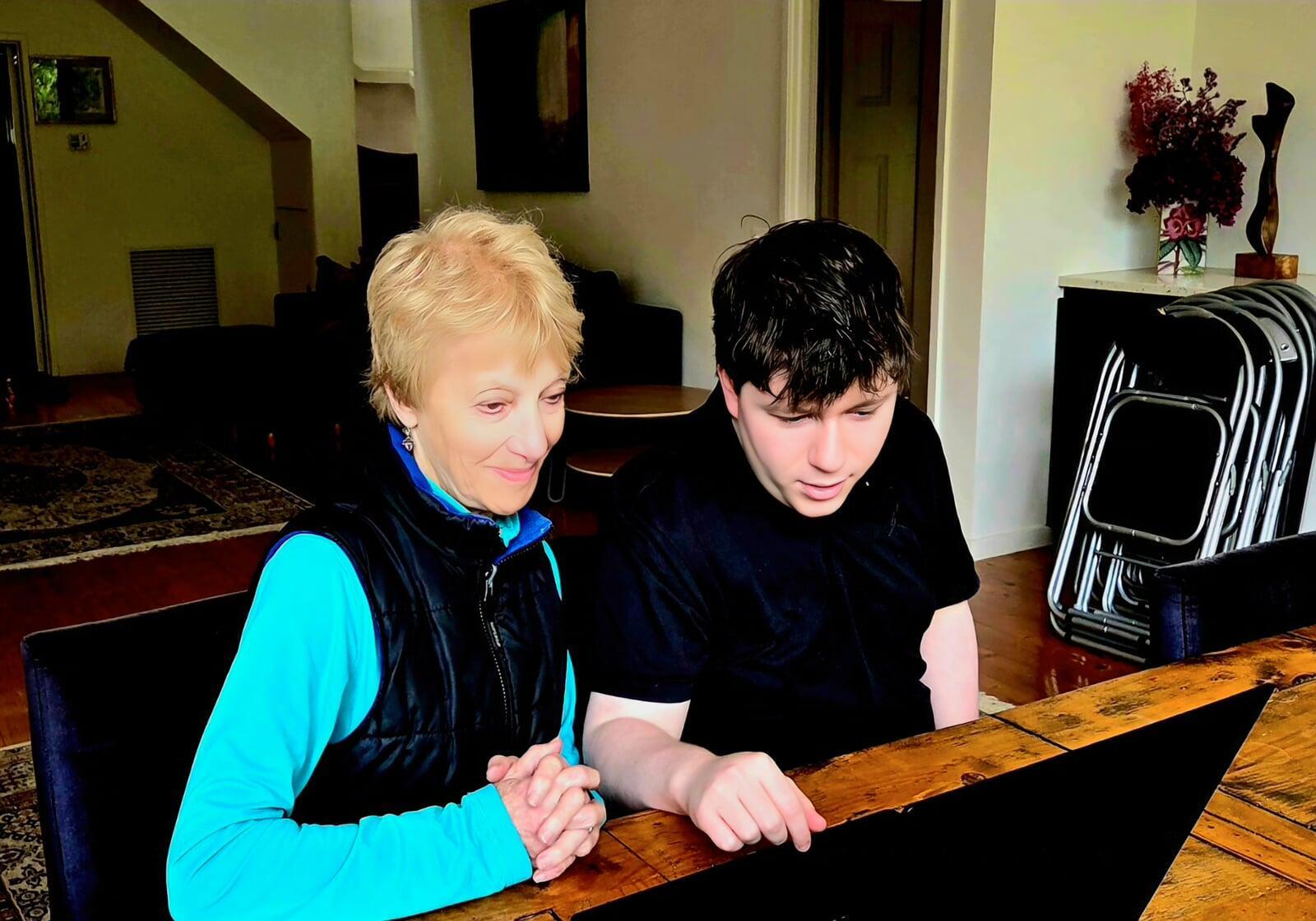
- Your Pace: I provide one-on-one lessons. There is no rushing and no "silly questions"—we move as slowly as you need to feel truly confident.
- Plain English: I translate complex concepts into simple language you can actually use. I focus on the results—like video calling family or seeing photos—not the technical talk.
- Staying Safe & Connected: Learn the essential skills to stay in touch with loved ones and, most importantly, how to spot and avoid online scams and "brand traps."
- Tech That Fits You: I’ll set up your devices with larger text, simpler menus, and accessibility features so your technology finally works the way you want it to.
- Finding What You Need: I’ll help you clean up your "digital mess," organising your files and photos so you can actually find them when you need them.

- Why Your Old Technology is an Open Door for Hackers: If you’re running Windows 10, an older version of macOS or something else not supported, your device has likely entered the "unsupported" danger zone. While the hardware might still turn on, the security updates have stopped.
- Honest Advice, No Pressure: If your current tech is too old to be safe, I won’t just tell you to "buy a new one." I’ll give you a straight answer whether we can safely upgrade your current machine or if it’s truly time to find a secure replacement.
- One-on-One Safety Training: I’ll teach you how to spot a 2026 scam before you click, giving you the confidence to use your email and banking without fear.
- Stop the "Sticky Note" risk: Writing passwords on paper or reusing the same one for everything is a major security hole. I’ll show you a safer, easier way to keep your accounts locked tight without the clutter.
- The Ultimate Defence: Even if a scammer gets your password, they can't get into your accounts without a "second key" from you. I’ll help you set up this extra layer of protection for your most important accounts, like banking, government services and email.
- Learn the tell-tale signs: I’ll teach you how to spot a scam email before you click. From "urgent" bank alerts to fake delivery notices, I’ll show you the simple tricks scammers use to try to look official.
- Never Lose a Precious Memory: If your computer or phone were lost or broken today, would your photos be safe? I’ll set up an automatic system that saves your files in the background, so you never have to worry about a hardware failure.
- Sorting While We Save: I’ll teach you how to name and organise your folders as we back them up. This ensures your memories aren't just "saved," but are easy to find when you want to show them to friends.
- Cloud: Training clients to understand backup principles, avoid common pitfalls, and confidently manage their own data protection

- Domain: Elevate your brand with a professional custom domain—choose .com.au, .com, .net, or .au—to replace generic email addresses like hotmail.com, gmail.com, or bigpond.net.au.
- Emails: Our unified email infrastructure enables seamless migration and centralised management of your business communications, preserving your email history, calendar, and contact data. Experience consistent, secure access across any device or email client—optimised for reliability and performance in 2026.
- Infrastructure Hardening (DNS): Professional configuration of security protocols (SPF, DKIM, DMARC) to ensure your emails reach your customers’ inboxes and stay protected from spoofing.
- Professional Branding: Implement consistent, high-quality digital signatures across all communications to strengthen and maintain your business identity, ensuring uniformity across devices and email clients.
- Ensure your new device: Whether a monitor, phone, tablet, or printer, is configured securely to support seamless business operations from day one.